
Bulk envelopes & labels
Print a whole address list on DL/C5 envelopes from Word mail merge — every line wraps to fit the envelope width instead of running off the edge.
Auto-wrap a CSV address column to your envelope width for Microsoft Word mail merge — the number of columns never changes, and your file never leaves your browser.
Drag & drop a CSV here, or click to browse
In Word: connect to the downloaded CSV, put the «Address» field on its own line. The embedded breaks render automatically. Always run one test merge first.
Print a whole address list on DL/C5 envelopes from Word mail merge — every line wraps to fit the envelope width instead of running off the edge.
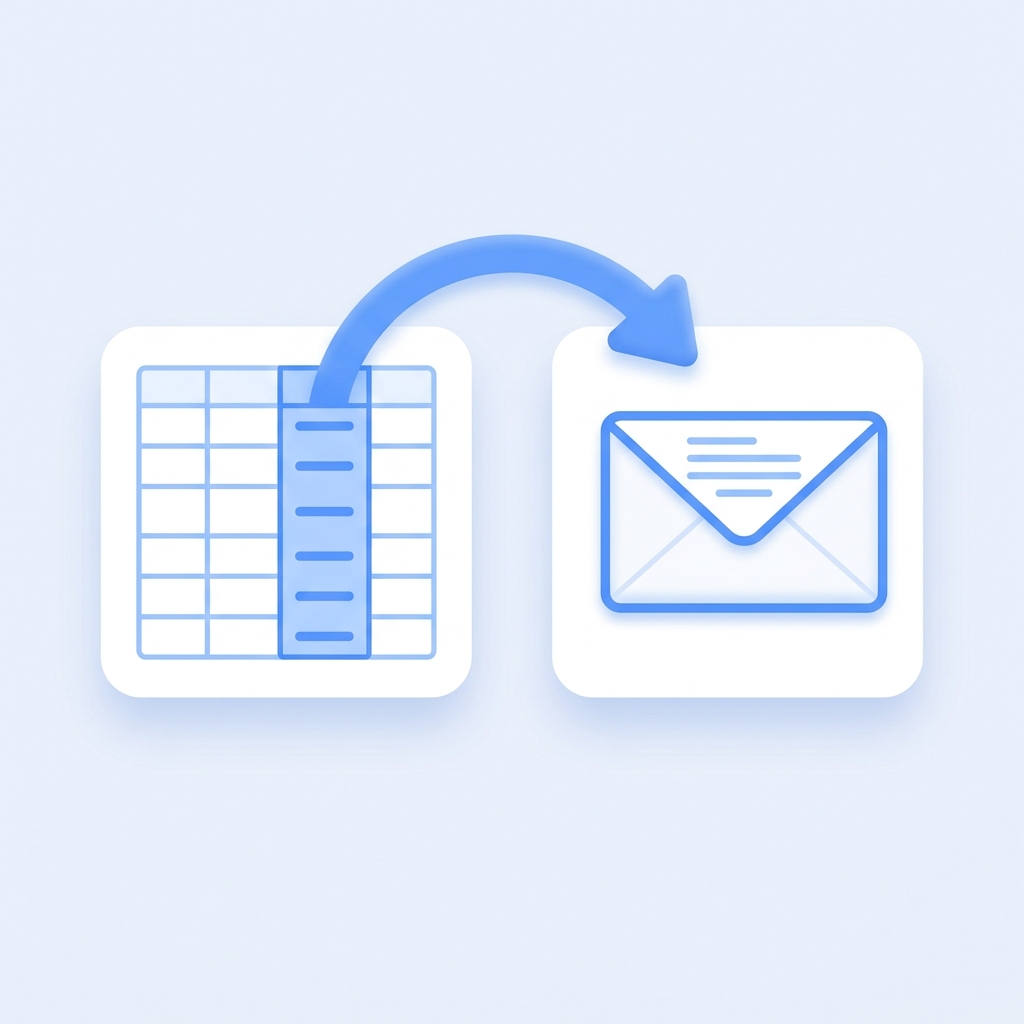
Point it at your address column. It adds the line breaks inside that one column and keeps every other column exactly as it was — your merge template still works.

Your CSV is parsed and wrapped locally with JavaScript. Nothing is ever uploaded to a server — ideal for customer and member address lists.